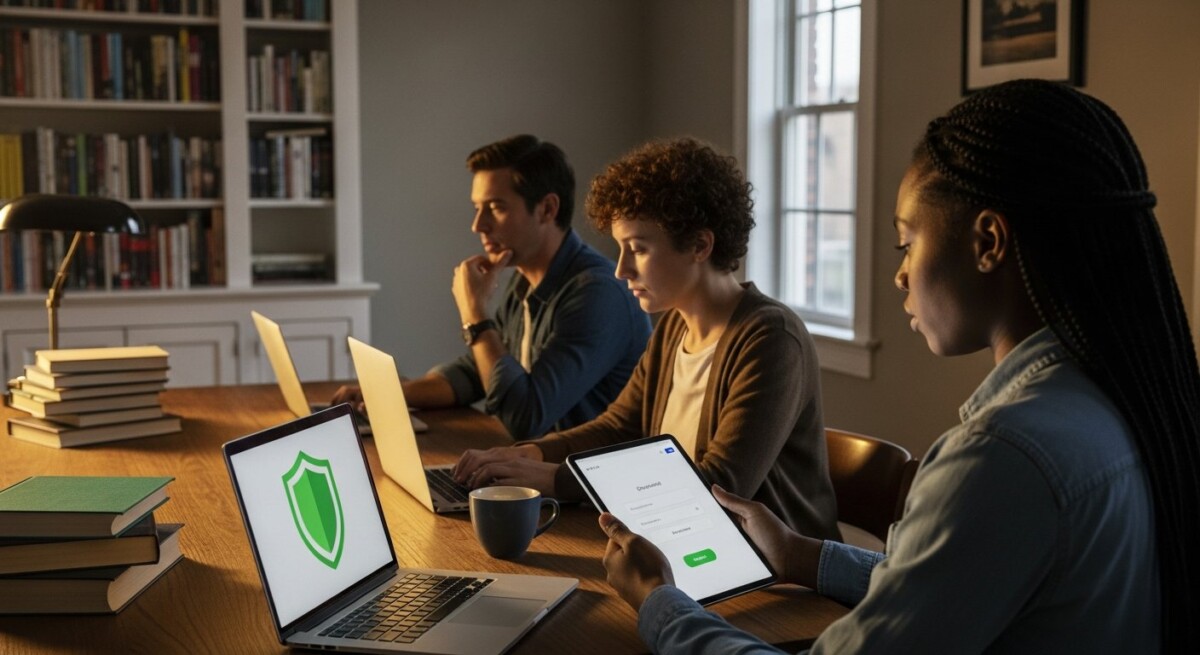
Every morning, millions of students log into online portals, submit assignments through cloud platforms, and collaborate on shared documents. This shift to digital learning has unlocked incredible flexibility for adult learners, career changers, and working professionals. Yet it also introduces a new layer of risk. Cyber threats targeting educational platforms are rising, and students often lack the basic safeguards that enterprise employees take for granted. Understanding digital learning security for students is no longer optional. It is a fundamental part of protecting your academic record, personal data, and financial future.
When you enroll in an online degree program, you entrust the institution with sensitive information: your Social Security number, financial aid details, and even your intellectual property in the form of essays and research. A single breach can derail your progress. The good news is that most threats are preventable with the right habits. This article lays out a practical framework for staying safe while you focus on earning your degree. Whether you are new to online education or a seasoned remote learner, these strategies will help you navigate the digital classroom with confidence.
Why Digital Learning Security Matters for Students
Online education depends on a vast ecosystem of tools: learning management systems (LMS), video conferencing apps, cloud storage, and communication platforms. Each of these tools represents a potential entry point for attackers. Phishing emails, weak passwords, and unsecured Wi-Fi networks are the most common vectors. According to recent reports, educational institutions are among the top three most targeted sectors for ransomware attacks. When a university’s system goes down, students lose access to coursework, grades, and deadlines.
For adult learners and working professionals, the stakes are even higher. You may be using a personal device that also stores banking information, work emails, or sensitive client data. A compromised student account can lead to identity theft, fraudulent financial aid claims, or even academic sabotage. Beyond the immediate disruption, a security incident can delay graduation, damage your academic reputation, and cost you money in remediation. Taking proactive steps now saves you from a much larger headache later.
In our guide on choosing the right digital learning university for you, we emphasize the importance of vetting a school’s technology infrastructure. A university that invests in robust cybersecurity is a university that values your privacy and academic continuity. When researching programs, ask about their security protocols. Look for institutions that offer multi-factor authentication, encrypted data storage, and clear breach notification policies. These are signs that the school takes digital learning security seriously.
Common Threats in Digital Learning Environments
To defend against threats, you first need to recognize them. The digital learning landscape introduces several unique risks that traditional classroom students rarely encounter.
Phishing and Social Engineering
Phishing is the most prevalent attack targeting students. Attackers send emails that appear to come from your university, asking you to click a link, reset your password, or verify your account. These messages often create urgency: “Your account will be suspended in 24 hours” or “Click here to claim your financial aid refund.” Once you click, you are taken to a fake login page that captures your credentials. The attacker then uses those credentials to access your real accounts, steal data, or launch further attacks within the university network.
Always verify the sender’s email address. Universities will never ask for your password via email. If a message seems suspicious, forward it to your school’s IT department instead of clicking any links. Hover over links to see the actual URL before clicking. If the domain does not match your school’s official website, do not engage.
Unsecured Wi-Fi Networks
Many students study from coffee shops, libraries, or airport lounges. Public Wi-Fi networks are convenient, but they are also notoriously insecure. Attackers can set up rogue hotspots with names like “Free Airport Wi-Fi” to intercept your traffic. When you log into your student portal on such a network, your username and password travel in plain text if the site does not use HTTPS. A skilled attacker can capture that data with free tools.
Always use a virtual private network (VPN) when connecting to public Wi-Fi. A VPN encrypts all traffic between your device and the internet, making it unreadable to anyone monitoring the network. Many universities offer free VPN access to students. Check your school’s IT services page for instructions. If a VPN is not available, consider using your smartphone as a personal hotspot instead of connecting to public Wi-Fi.
Account Takeover via Weak Passwords
Weak passwords remain a persistent problem. Students often reuse the same password across multiple platforms: their email, social media, and student portal. If one of those services suffers a data breach, attackers can use those credentials to access your university account. Once inside, they can change your contact information, lock you out, and even submit fraudulent financial aid applications.
Use a unique, complex password for every account. A password manager makes this manageable by generating and storing strong passwords. Enable multi-factor authentication (MFA) wherever possible. MFA adds a second layer of protection: even if your password is stolen, the attacker cannot log in without the second factor (usually a code sent to your phone or generated by an authenticator app). Most major LMS platforms support MFA. Activate it today.
Building a Personal Security Toolkit
Securing your digital learning environment does not require a degree in cybersecurity. A few core tools and habits will protect you against the vast majority of threats. Here is a practical checklist to get started.
Before you begin each term, take 15 minutes to review and update your security settings. This small investment of time can prevent weeks of disruption if an incident occurs.
- Password manager: Use a reputable password manager like Bitwarden, 1Password, or the built-in option in your browser. Generate a random 16-character password for each site. Never reuse passwords across different accounts.
- Multi-factor authentication (MFA): Enable MFA on your student portal, email account, and any other platform that supports it. Use an authenticator app rather than SMS codes when possible, as SIM-swapping attacks can intercept text messages.
- VPN software: Install a trusted VPN on all your devices. Look for a service with a no-logs policy and strong encryption (AES-256). Many universities provide a free VPN for students.
- Antivirus and anti-malware: Keep your operating system and antivirus software up to date. Enable automatic updates to receive the latest security patches. Do not disable your firewall.
- Regular backups: Back up your important academic files to an external drive or a secure cloud service. In the event of a ransomware attack, you can restore your work without paying a ransom.
Beyond tools, develop a routine. At the start of each semester, verify that your contact information on the student portal is correct. Enable notifications for login attempts and password changes. If you receive an alert about an unrecognized login, change your password immediately and contact your school’s IT department. Proactive monitoring is your best defense against account takeover.

Safe Practices for Online Collaboration
Group projects, discussion forums, and peer reviews are central to the online learning experience. Collaboration tools like Zoom, Google Docs, and Slack make teamwork seamless. However, they also introduce privacy risks. A shared document might accidentally expose your personal email address or phone number. A recorded Zoom session could capture sensitive information that you did not intend to share.
When collaborating with classmates, use the tools provided by your institution rather than personal accounts. University-managed platforms often have additional security controls, such as restricted sharing settings and data retention policies. If you must use a personal tool, review the privacy settings carefully. For example, in Google Docs, check the sharing link permissions. Set it to “Anyone with the link can view” instead of “Anyone with the link can edit” unless editing is required. Do not store sensitive documents like your Social Security card or financial aid forms in shared folders.
Video conferencing demands extra caution. Use waiting rooms to control who enters the meeting. Do not share meeting links publicly on social media. If you are recording a session for later review, inform all participants and store the recording in a secure location. After the project ends, delete recordings and shared files that are no longer needed. This reduces the attack surface if your account is ever compromised.
Responding to a Security Incident
Even with strong precautions, incidents can happen. Knowing how to respond quickly can limit the damage. If you suspect your student account has been compromised, take these steps immediately.
First, change your password. Use a device you trust (not the one you suspect is compromised) to log into your account and update the password. If you cannot log in, contact your university’s IT help desk directly. Do not use the contact information from a suspicious email. Look up the official support number or email on the university website. Second, check your account for unauthorized changes. Look for altered contact details, unfamiliar login locations, or messages sent from your account that you did not write. Document everything for your records.
Third, notify your instructors and academic advisor. If a breach affects your coursework or deadlines, they can help you make accommodations. Most universities have a formal incident reporting process. Follow it promptly. Fourth, run a full antivirus scan on all your devices. If you find malware, remove it and change the passwords for any accounts you accessed from that device. Finally, monitor your financial accounts and credit report for signs of identity theft. Consider placing a fraud alert with the major credit bureaus if you shared sensitive financial information through the compromised account.
For additional resources on protecting your academic journey, the team at collegedegree.school offers practical guides on maintaining your digital safety while pursuing higher education. Their advice complements the strategies outlined here, especially for students balancing work, family, and school.
Frequently Asked Questions
What is the most common security mistake students make in digital learning?
The most common mistake is reusing passwords across multiple accounts. When one service is breached, all accounts with the same password become vulnerable. Using a password manager to generate unique passwords for each platform eliminates this risk.
Do I need a VPN even if I am studying from home?
While home Wi-Fi networks are generally more secure than public networks, a VPN adds an extra layer of encryption that protects your traffic from your internet service provider and any malicious software on your network. It is especially recommended if you share your home network with others or use IoT devices that may have weak security.
Can my school see my browsing activity on my personal device?
Generally, no. Your school can only monitor activity within their own systems (the LMS, email, and other school-provided platforms). They cannot see your browsing history on your personal device unless you install school-mandated monitoring software. Always read the privacy policy before installing any software required by your program.
What should I do if I receive a phishing email that looks like it is from my university?
Do not click any links or download any attachments. Forward the email to your university’s IT security team or abuse department. They can investigate and warn other students. Then delete the email from your inbox and trash folder.
Is it safe to use my personal smartphone for school assignments?
Yes, but take precautions. Keep your phone’s operating system and apps updated. Use a strong passcode or biometric lock. Avoid downloading unofficial apps that request unnecessary permissions. If you use your phone for two-factor authentication, do not also use it to click links from unknown senders.
Digital learning security for students is a shared responsibility. Universities must provide secure platforms and clear policies. Students must adopt safe habits and stay vigilant. By taking control of your personal cybersecurity, you protect not only your academic records but also your identity and financial wellbeing. The convenience of online education should never come at the cost of your safety. Start with one change today: enable multi-factor authentication on your student portal. Then work through the other steps outlined here. Your future self will thank you.